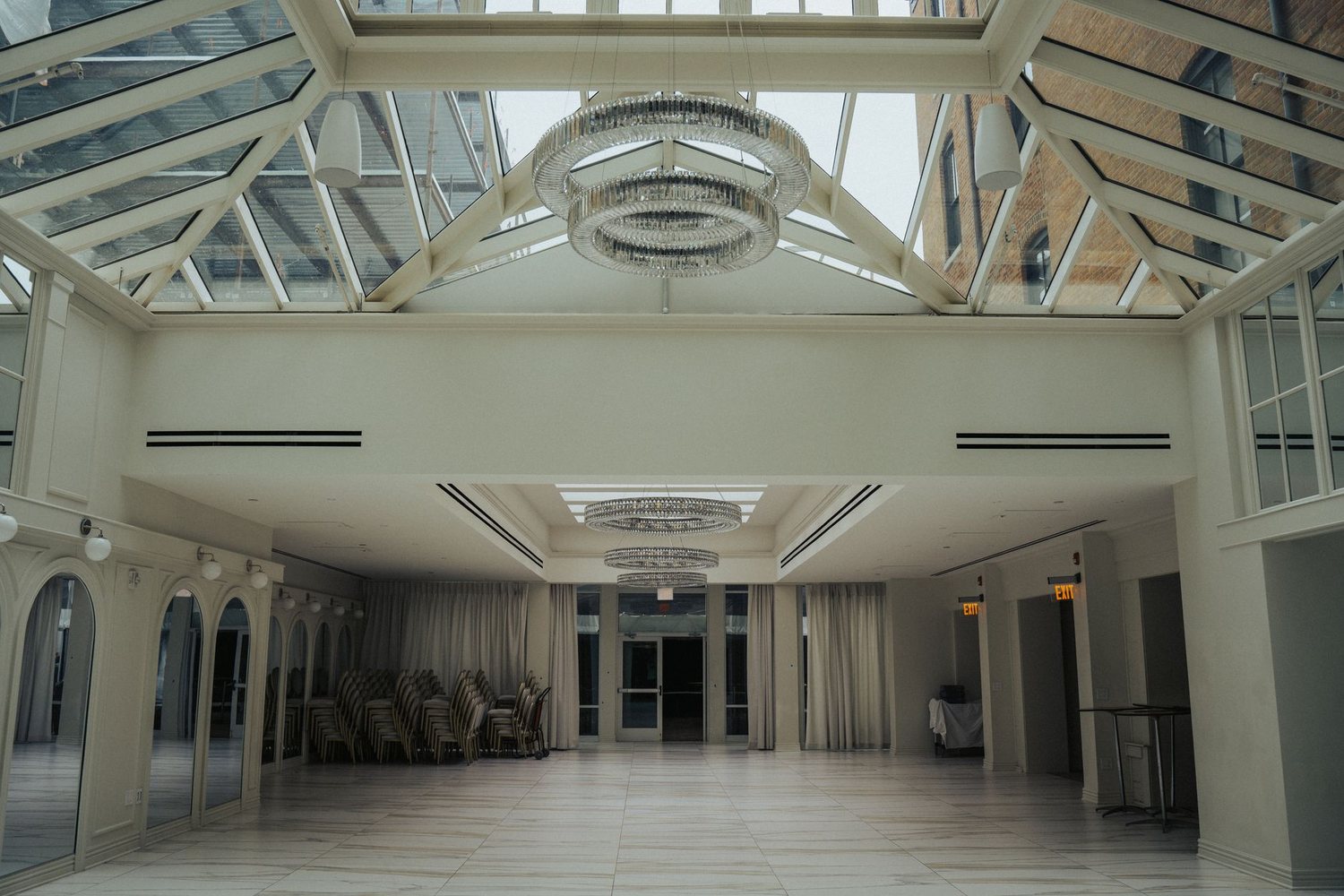
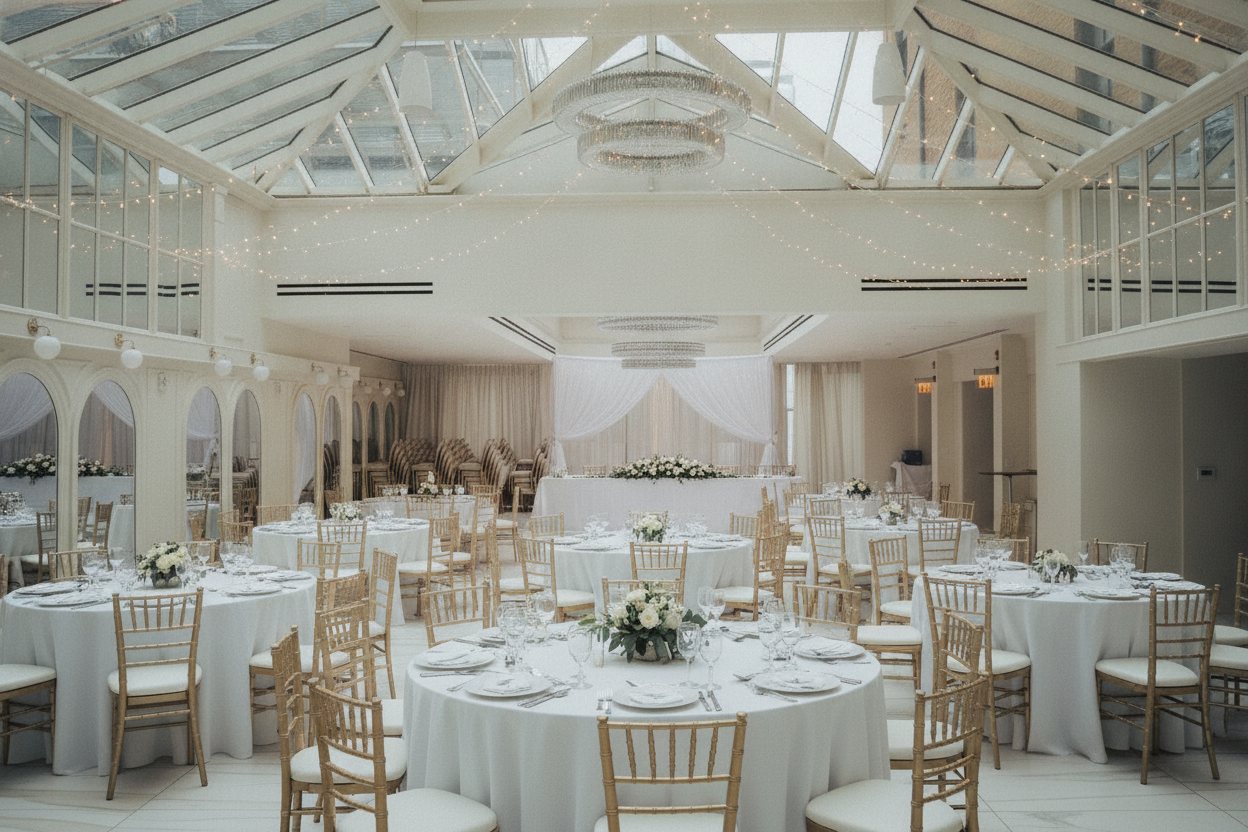
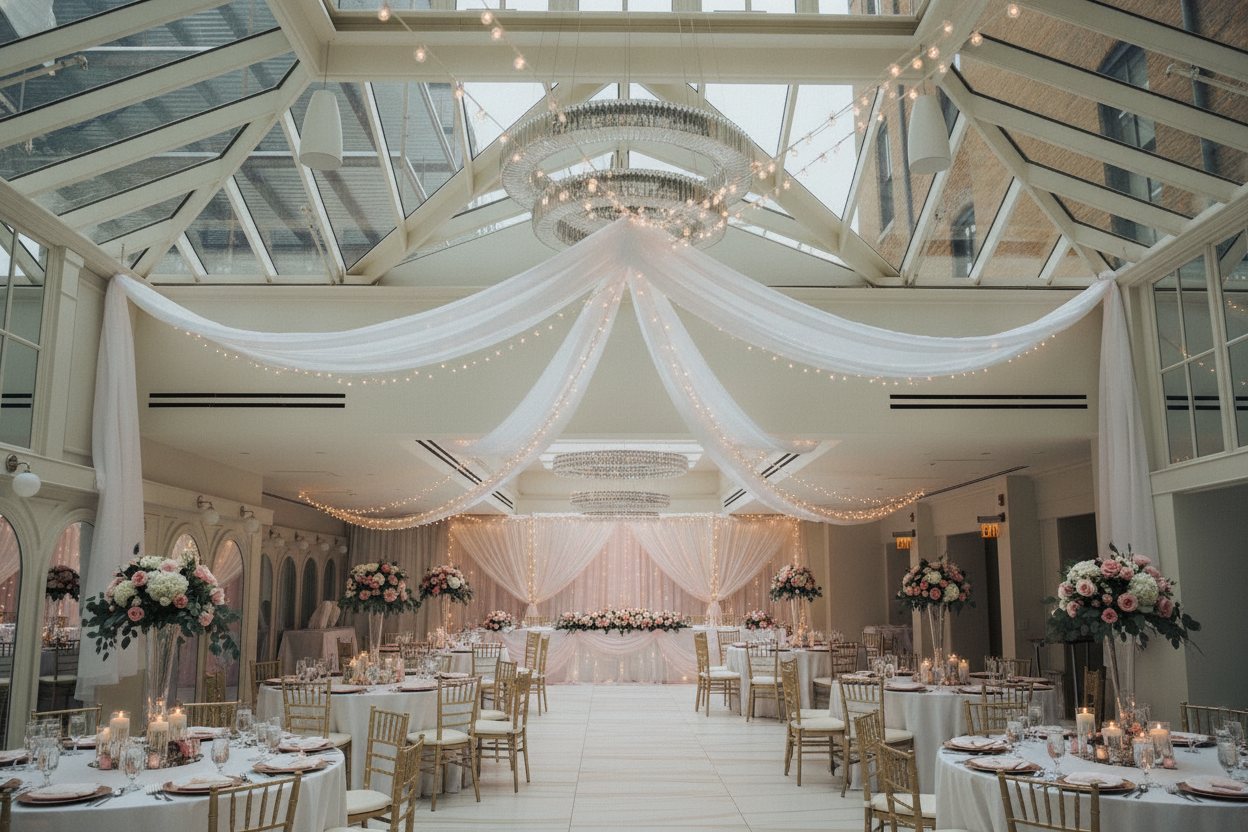
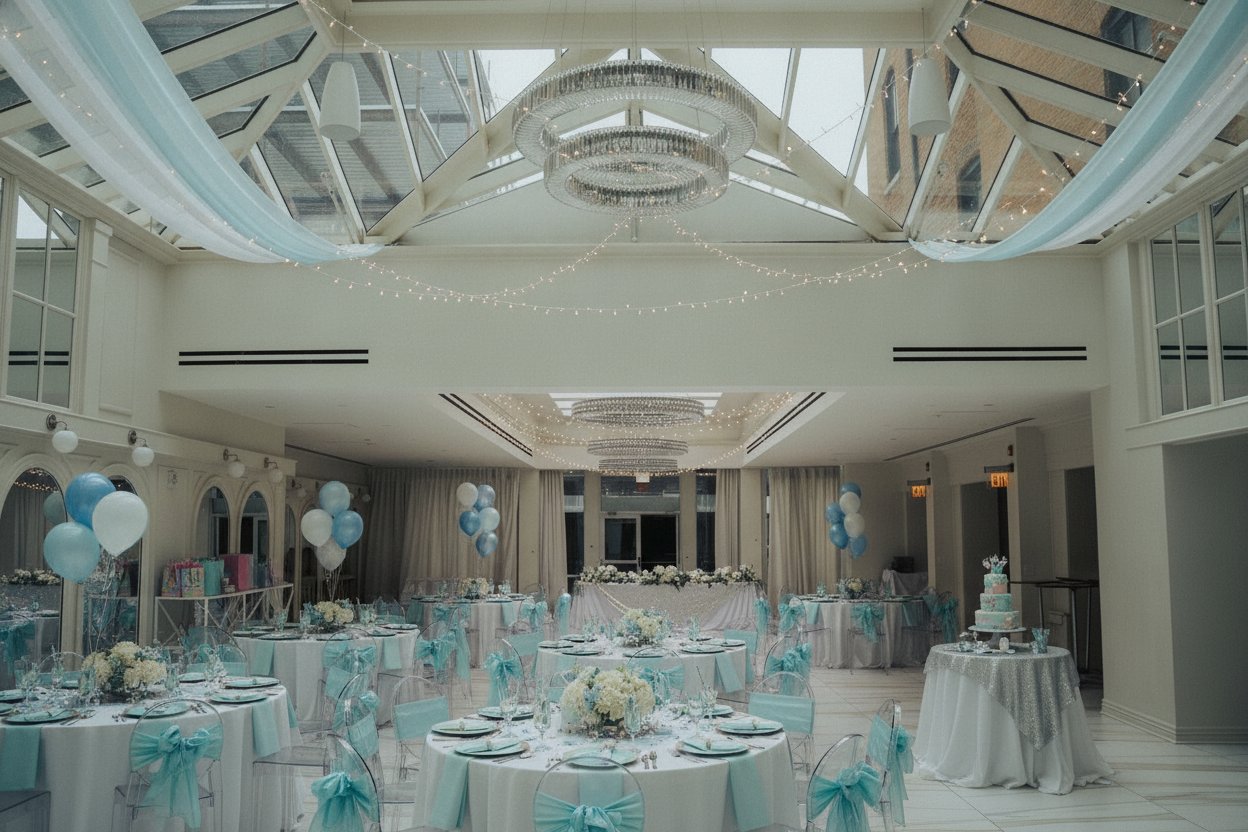
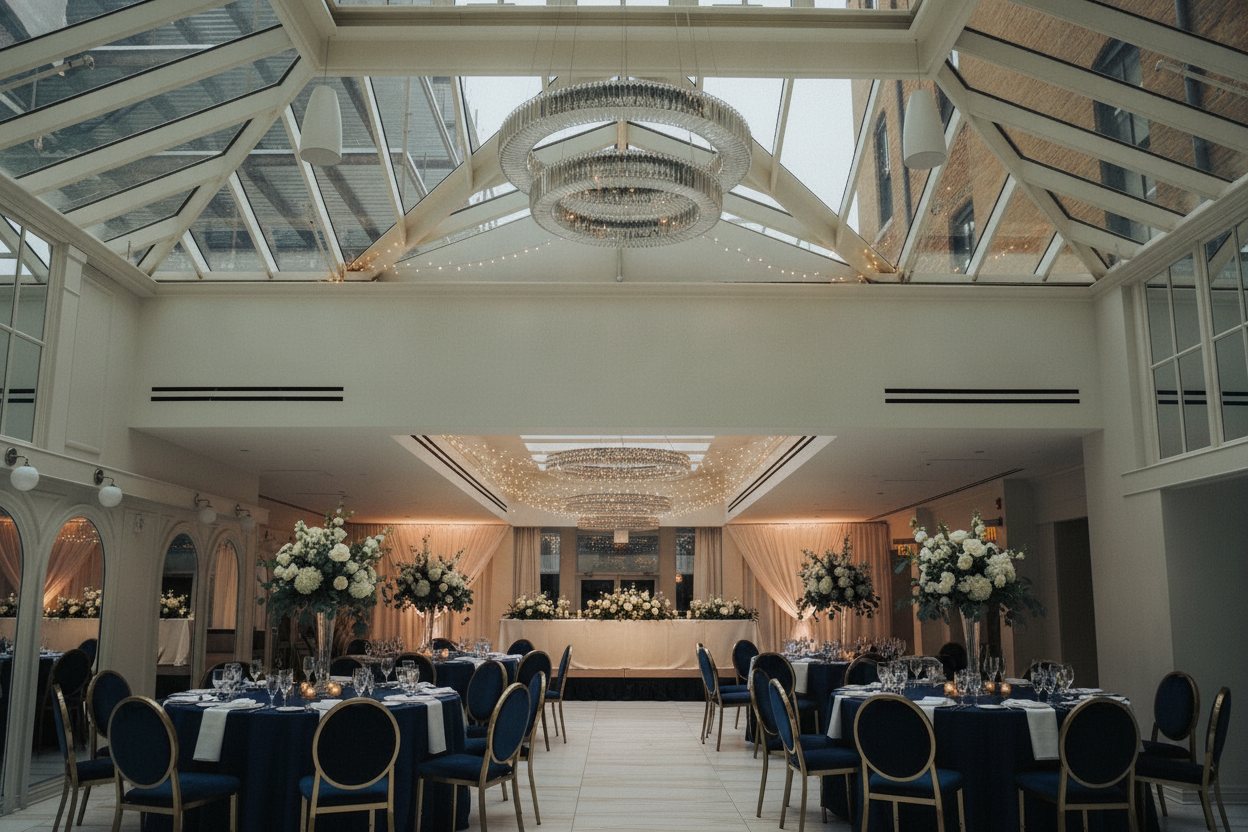
The empty hall, set for the big day.
Couples cannot picture their wedding in an empty room. Upload photos of your hall and AI sets it up for a wedding, quinceañera, dinner or party, so they can see their day there.
$49 for the whole listing · up to 10 photos · 2 free redos on each · no subscription
One photo. Your choice of style.
Tap a style and watch the same venue change in front of you. Every one was made from the same photo.
BeforeAfter
Example. Virtually staged. Decor shown is an example setup.
Drag the gold handle to compare. Every "after" here was made from its "before" photo by the same AI you get.
Start with this style →Made for anyone with a venue that sits.
What the AI adds, and what it never touches.
What we add
- Tables, chairs and linens
- Place settings and centerpieces
- Flowers, fabric draping and string lights
- A head table or stage area where it fits
What we never change
- Walls, floors, ceilings or beams
- Windows, doors or chandeliers
- Built-in bars, stages or anything fixed
- The size of the room
Every photo you download says: Virtually staged. Decor shown is an example setup.
We change the furniture. Never the property.
A buyer who shows up and feels misled is a lost sale. Every makeover follows the same four rules, so your photos open doors and never come back on you.
- IWalls, floors, windows, fixtures and anything built in stay exactly as they are.
- IIDamage, wear and rust are never hidden or repaired.
- IIIEvery photo carries a label like "Virtually staged" or "Concept rendering".
- IVYour original photos come back too, because some listing rules ask for both.
Four steps. A few minutes.
- 01
Choose your listing
Commercial space, land, a boat, RV or machine, a venue, a home or a rental. Then pick a style.
- 02
Add your photos
Up to 10 you already have. On a phone, take them right there.
- 03
Pay once
$49 for the whole listing, through Stripe's secure checkout.
- 04
Watch it transform
Each photo is done in a minute or two. Compare, redo, download.
The whole listing. One price.
No subscription, no account, no surprise fees. Pay once and watch every photo change.
- Up to 10 photos of one listing
- 2 free redos on every photo
- The right label on every download
- Your original photos included
- Done in minutes, kept for 60 days
Bigger listing? The Big listing covers up to 25 photos for $99. It is picked for you when you add more than 10 photos, and a paid order can move up later for the $50 difference.
Event venues: good to know.
Can I show different events?
Each order shows one kind of event across its photos. Start another order to show a second setup.
Will couples think the decor comes with the rental?
Every photo carries the label "Virtually staged. Decor shown is an example setup." so it is clear the setup is an idea, not a package.
What photos work best?
Wide photos with the lights on, taken from a corner or the entrance so the whole room shows.
Can I put these on my website and listing pages?
Yes. Keep the label on, and follow the rules of any site where you post them.
Your listing has waited long enough.
$49 for the whole listing. Done in minutes.