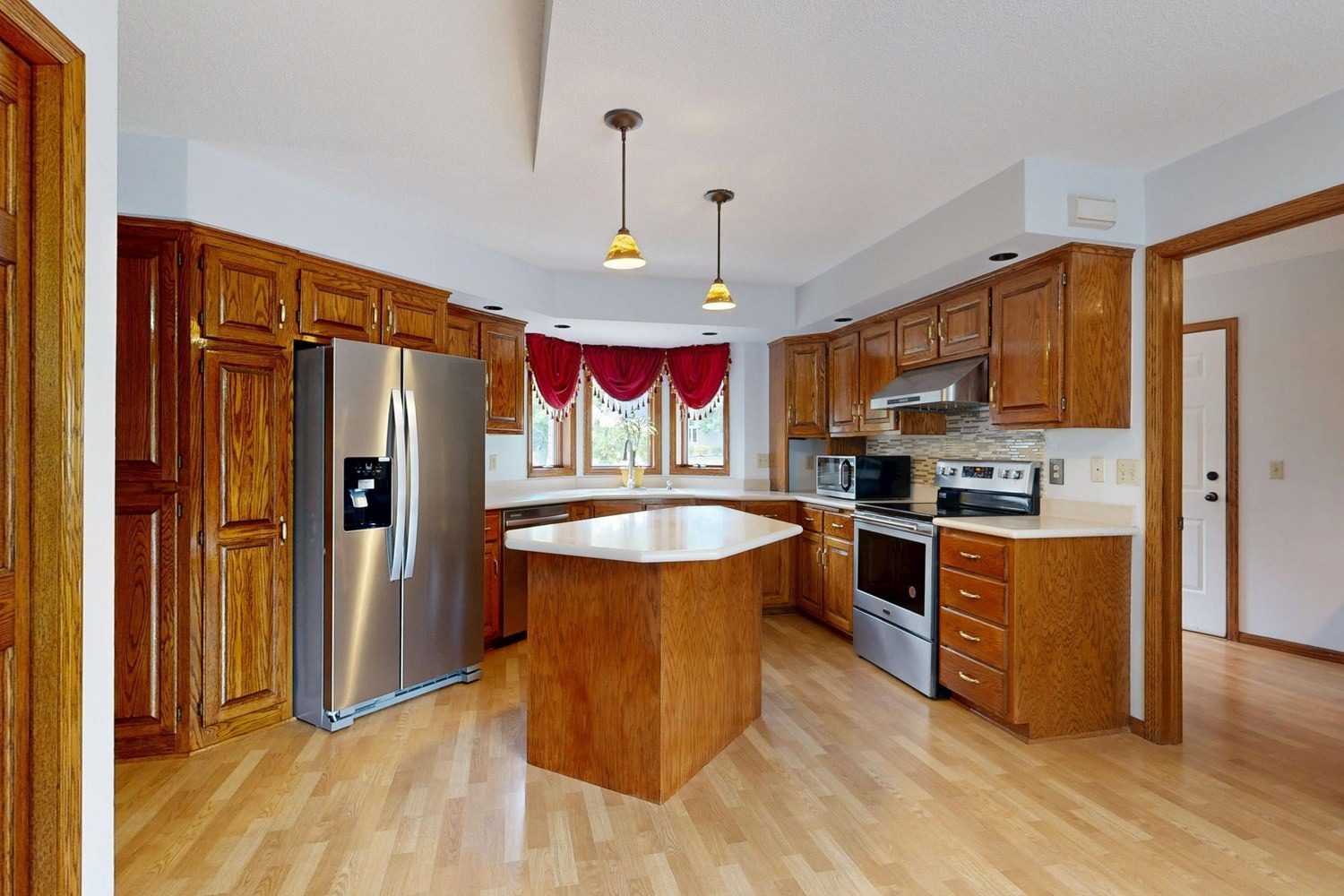
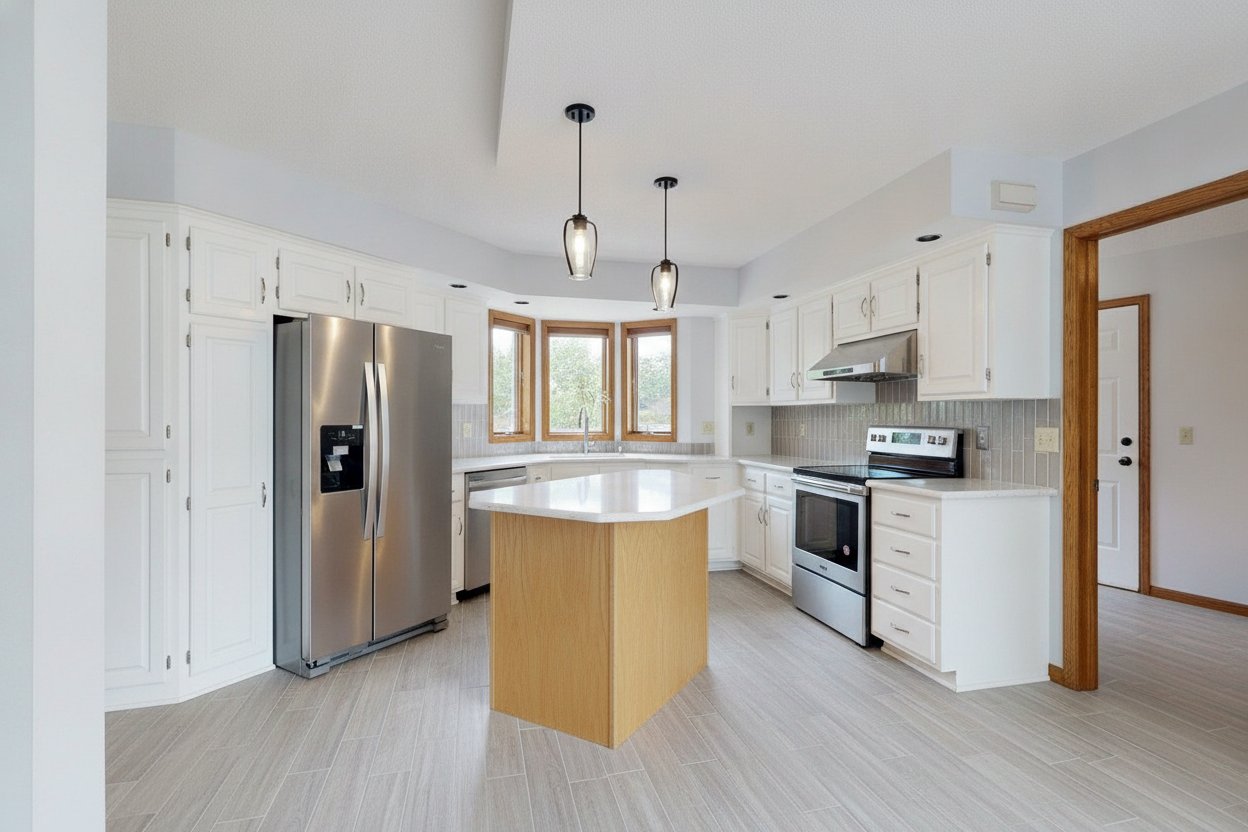
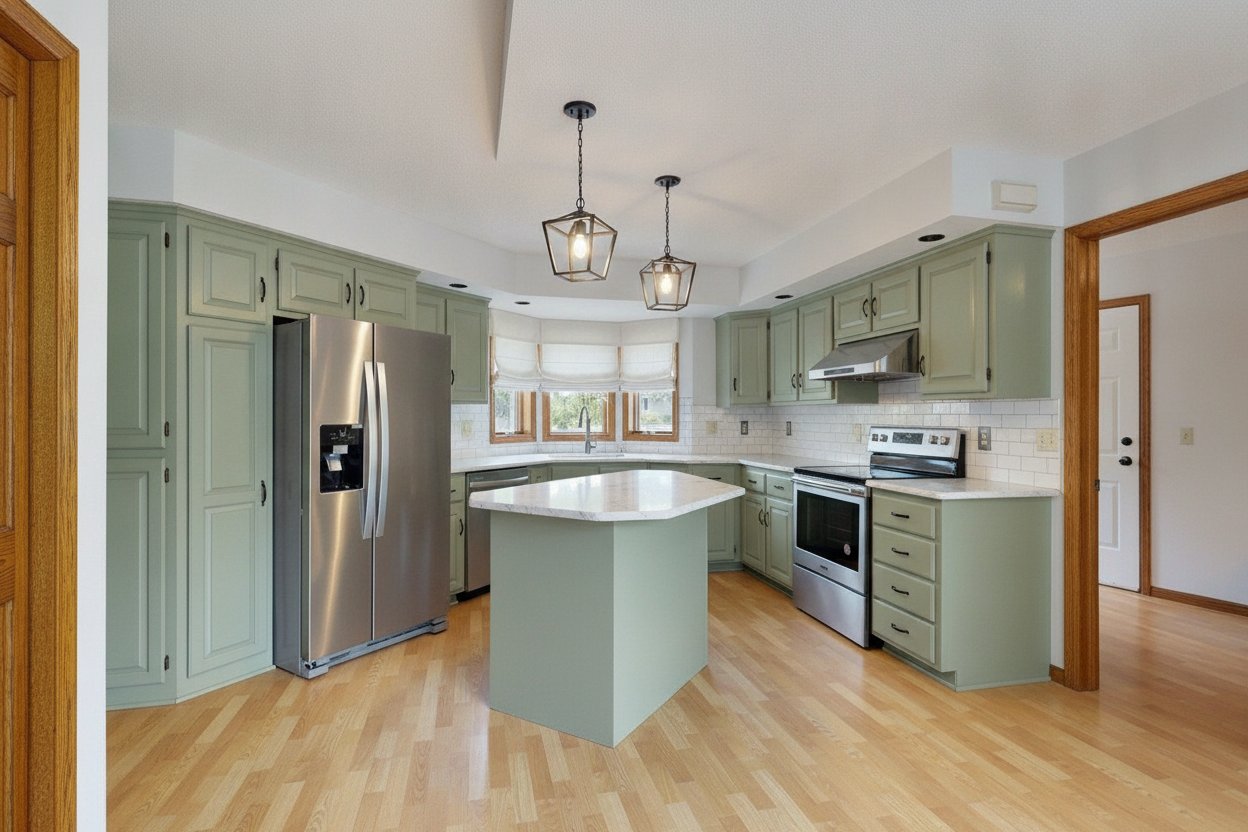
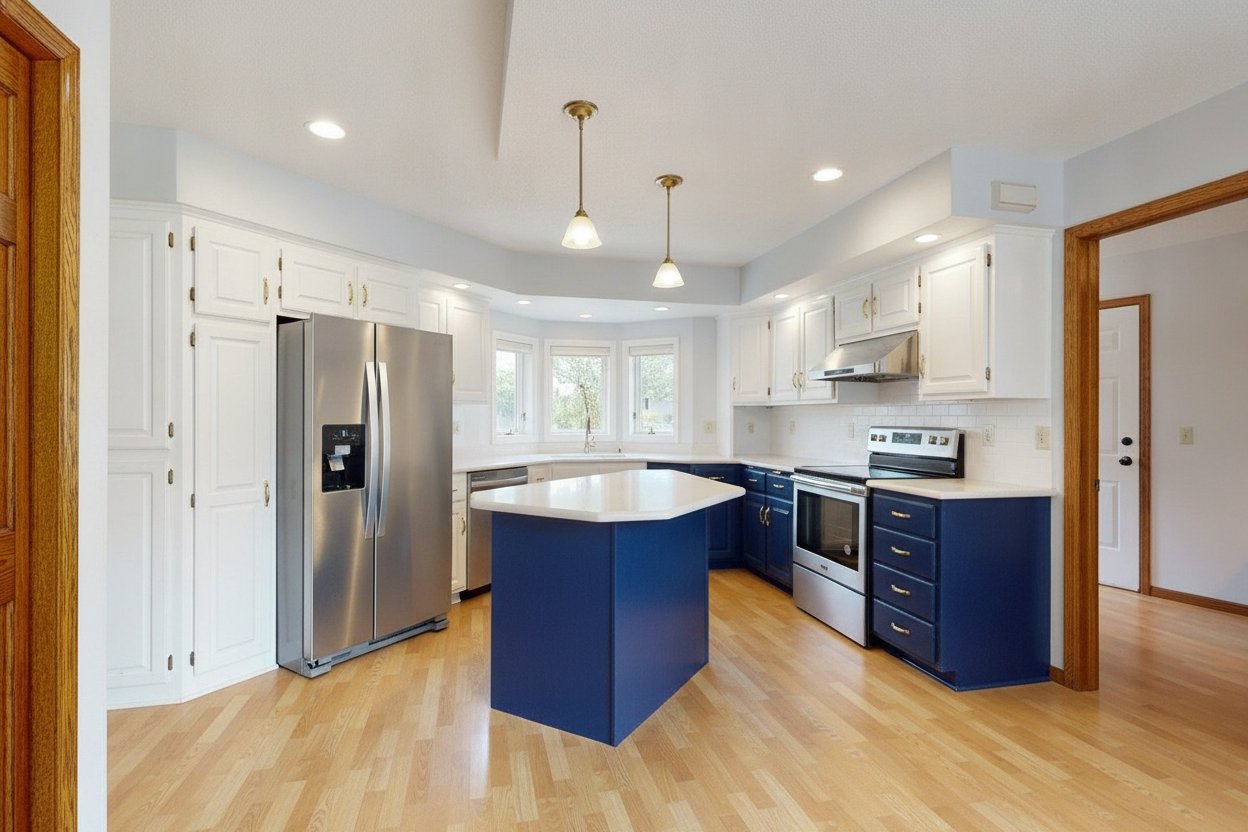
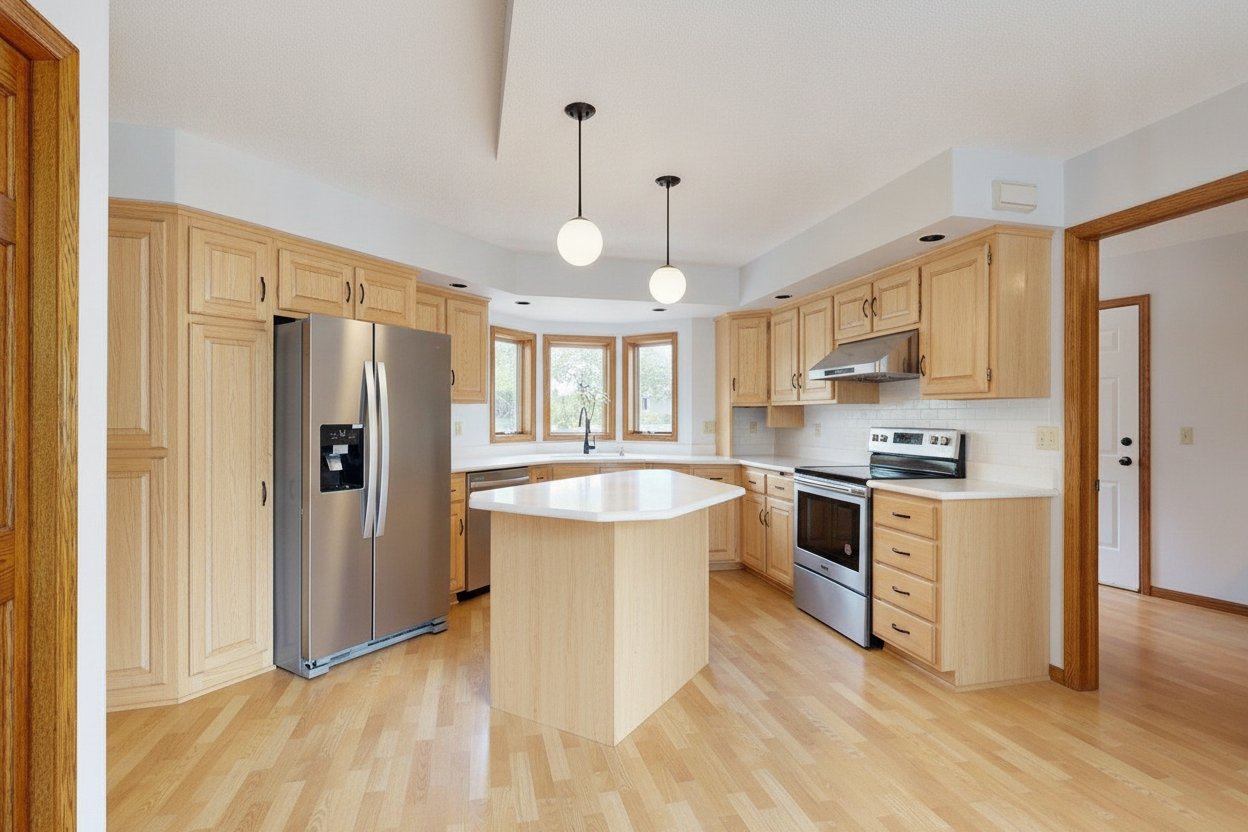
Dated rooms, shown remodeled.
Buyers see oak cabinets and old carpet and walk away. Upload photos of the dated rooms and AI shows each one remodeled in the style you pick, same layout, labeled as a concept, so buyers see what the house could be.
$49 for the whole listing · up to 10 photos · 2 free redos on each · no subscription
One photo. Your choice of style.
Tap a style and watch the same home change in front of you. Every one was made from the same photo.
BeforeAfter
Example. Virtual renovation concept. The home has not been remodeled.
Drag the gold handle to compare. Every "after" here was made from its "before" photo by the same AI you get.
Start with this style →Made for anyone with a home that sits.
What the AI adds, and what it never touches.
What we add
- New cabinet fronts, counters and backsplash
- Fresh floors and wall paint
- Updated lights, faucets and hardware
- Old curtains, furniture and clutter taken out
What we never change
- The walls, windows and doors
- The size and shape of the room
- Where the cabinets, appliances, tub and shower sit
- The view out the windows
Every photo you download says: Virtual renovation concept. The home has not been remodeled.
Show what it could be. Never pretend it already is.
A buyer who shows up and feels misled is a lost sale. Every makeover follows the same four rules, so your photos open doors and never come back on you.
- IStaged photos keep walls, floors, windows, fixtures and anything built in exactly as they are.
- IIHouses on land and fixer-upper remodels keep the real layout and are labeled as concepts.
- IIIEvery photo carries a label like "Virtually staged" or "Concept rendering".
- IVYour original photos come back too, because some listing rules ask for both.
Four steps. A few minutes.
- 01
Choose your listing
Commercial space, land, a fixer-upper, a venue, a home or a rental. Then pick a style.
- 02
Add your photos
Up to 10 you already have. On a phone, take them right there.
- 03
Pay once
$49 for the whole listing, through Stripe's secure checkout.
- 04
Watch it transform
Each photo is done in a minute or two. Compare, redo, download.
The whole listing. One price.
No subscription, no account, no surprise fees. Pay once and watch every photo change.
- Up to 10 photos of one listing
- 2 free redos on every photo
- The right label on every download
- Your original photos included
- Done in minutes, kept for 60 days
Bigger listing? The Big listing covers up to 25 photos for $99. It is picked for you when you add more than 10 photos, and a paid order can move up later for the $50 difference.
Fixer-upper homes: good to know.
Will buyers think the house is already remodeled?
No. Every photo carries the label "Virtual renovation concept. The home has not been remodeled." and you get your original photos too, so buyers see the house as it is today and what it could become.
Which rooms show the biggest change?
Kitchens and bathrooms, then living rooms and bedrooms with dated floors, paint or lights. Outside photos get fresh paint, a new front door and a tidy yard.
Does the layout change?
No. Walls, windows, doors and the spots for the cabinets, appliances, tub and shower stay where they are, so the concept is a remodel a buyer could really do.
Is it a remodel plan or an estimate?
No. It is a picture of what the house could look like. It does not price the work or check what the house needs.
Your listing has waited long enough.
$49 for the whole listing. Done in minutes.